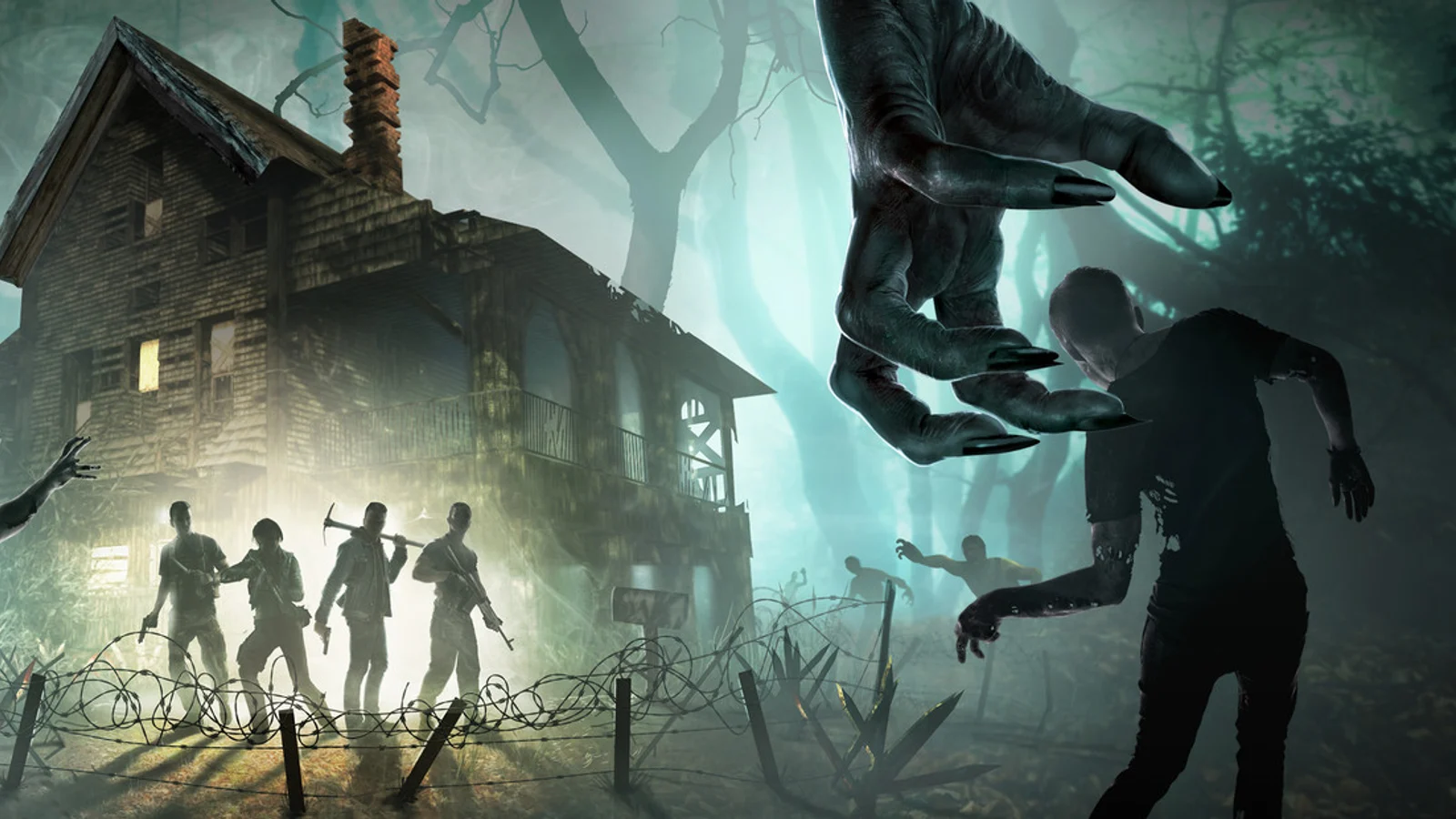
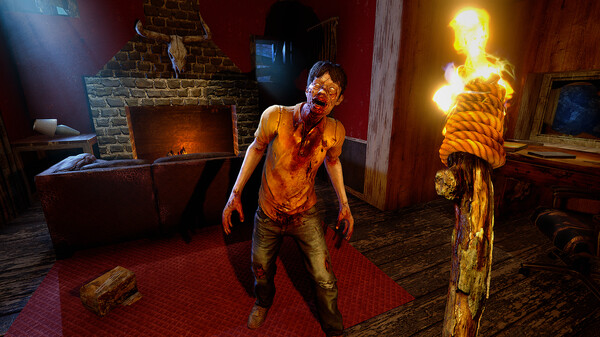
Quick Answer
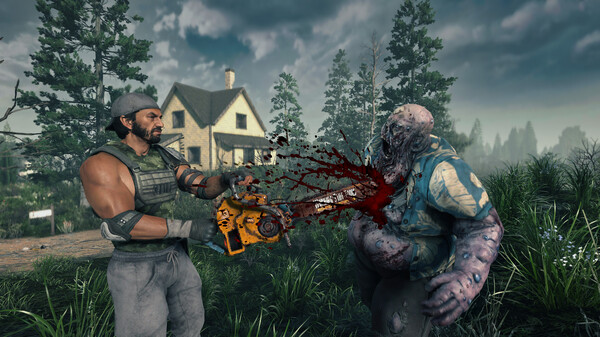
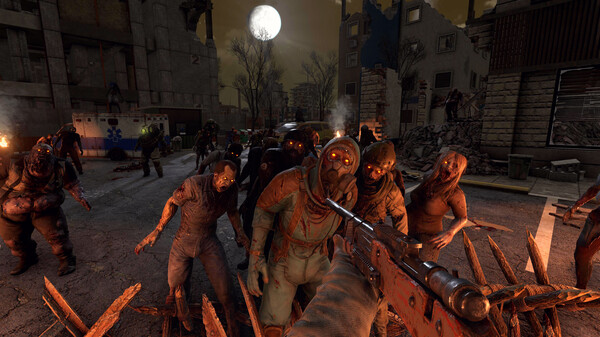
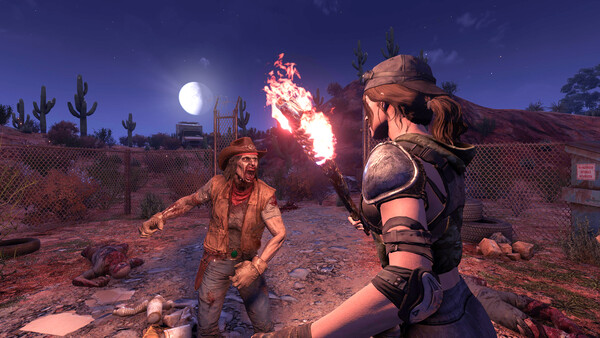
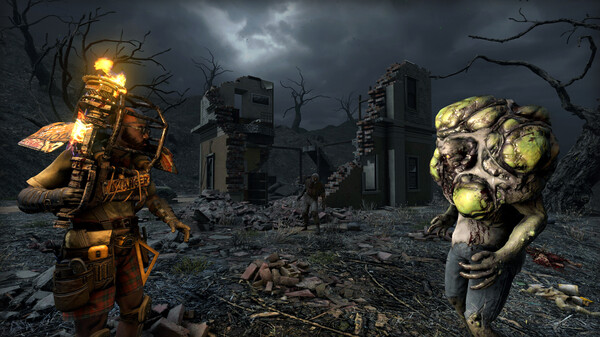
Use the 1.0 gameplay trailer as a diagnostic, not as a build order. Your goal is to pause on scenes that show route pressure, POI risk, combat pacing, base safety, or version-specific assumptions, then turn each observation into a next action inside your own world.
What To Watch For
| Trailer signal | Player question | Next action | | --- | --- | | Travel between POIs | Am I spending daylight on the right loop? | Shorten the route or add a trader stop | | Interior combat | Is the danger enemy count, stamina, armor, or escape path? | Change loadout before changing the whole plan | | Loot and crafting shots | What resource is the bottleneck? | Move to systems or resource planning | | Base or horde pressure | Is pathing, repair access, or firepower failing first? | Audit the horde base before Day 7 | | Version or feature reveal | Does this apply to my platform and settings? | Label the assumption before copying advice |
Watch Route
- Watch once without pausing so you understand the official 1.0 baseline.
- Rewatch and pause only when the footage shows a repeatable player decision.
- Write one sentence for the scene: route, system, map, base, or update.
- Send the decision to the matching guide hub instead of turning one video into a giant mixed note.
- If a scene depends on settings, platform, server rules, or patch version, mark it as version-sensitive.
Practical Pause Points
- Pause at the first route or travel shot and ask whether your Day 1 plan has enough water, storage, and trader time.
- Pause at the first difficult fight and decide whether your problem is weapon tier, stamina, armor, meds, or escape route.
- Pause at crafting or resource shots and list the one item you always run out of before Blood Moon.
- Pause at base-defense footage and check whether you can repair without stepping into the main path.
- Pause before copying any advice from the video into an old save, because returning worlds may have different settings, mods, or server rules.
Related Guide Hubs
Source Video
- Official source: The Fun Pimps, “7 Days to Die - 1.0 Gameplay Trailer.” The embedded trailer is used for pause-point analysis and routing decisions, not for a frame-by-frame transcript.
FAQ
Can I use the trailer as a beginner route?
Only partly. It shows useful pressures, but your actual route depends on spawn, trader distance, biome, loot, settings, and whether you are solo or co-op.
What should returning players watch first?
Look for systems that changed your habits: quest pacing, resource pressure, POI danger, base pathing, and version or platform assumptions.
When should I leave this page?
Leave after you identify the blocker. Use Starter Route for the first week, Systems & Builds for gear and crafting, Map & Quests for POI routing, and Completion & Updates for save or patch checks.