
Quick Answer
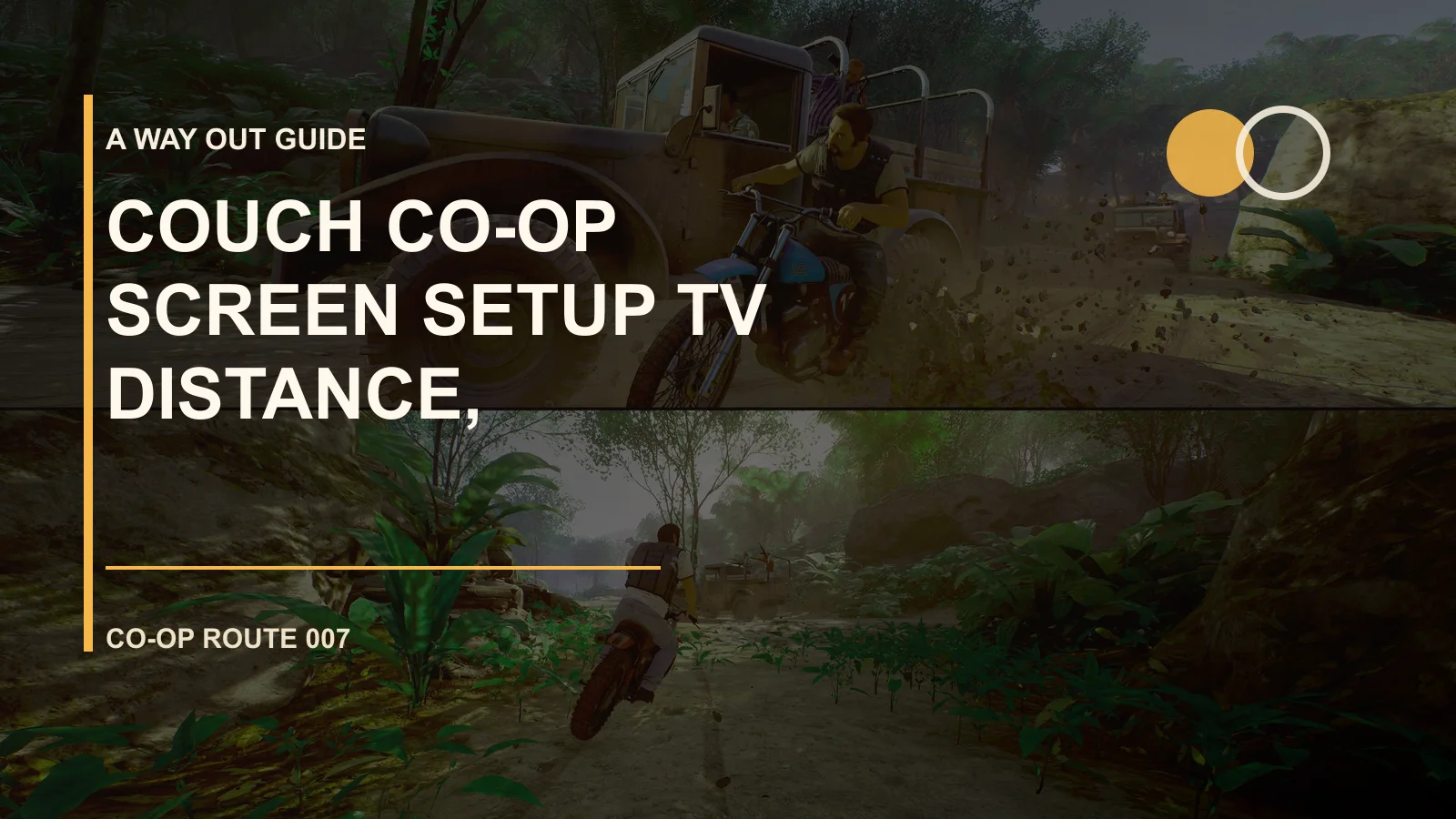
Couch Co-op Screen Setup: TV Distance, Controllers, Subtitles is less about memorizing a perfect route and more about getting both players to agree on the goal, roles, and reset call before anyone acts. A Way Out is built around two-player timing, so many failures happen when one screen moves before the other is ready.
When To Use This
- Before a first session, when you want fewer messy resets.
- When an interaction keeps failing and you are not sure whether to swap roles or change timing.
- When Friend Pass or online co-op needs platform, voice, invite, or save checks.
- When you want mini-game, chapter replay, or achievement cleanup without spoiling the ending.
Duo Role Table
| Phase | Leo Player | Vincent Player | Pass Check |
|---|---|---|---|
| Before entry | Call visible exits, guards, or interact prompts | Confirm whether the other screen still has story or prompts | Both players can name the next input or direction |
| During action | Push, test, or distract | Count down, observe, and call stop | Nobody triggers the next risk early |
| After failure | Explain where the mistake happened | Add what the other screen showed | Change one variable on the next attempt |
| After clear | Note replay or cleanup needs | Note mini-game, trophy, or settings issues | The next guide link is obvious |
Practical Steps
- Open Couch & Online Co-op first and decide whether the problem is route, system, cleanup, or troubleshooting.
- For online or Friend Pass issues, confirm same platform, account, subscription, and trial install before sending another invite.
- For chapter walls, stop before the interaction and have both players describe their half of the screen.
- For achievements or mini-games, finish the current story beat first, then use chapter select for cleanup.
- After two failed attempts, review one variable only: entrance, countdown, role, or settings.
Common Mistakes
- Treating A Way Out like a solo story game while one player drags the other through every scene.
- Entering online co-op before platform and account requirements are checked.
- Spoiling a first run by reading full trophy solutions too early.
- Talking over each other without a fixed countdown for QTE, stealth, or chase moments.
Troubleshooting Priority
Resend the invite first, then relog the EA app or platform account. If that fails, check same-platform rules, console subscriptions, NAT, controller assignment, and file repair before reinstalling.
Related Guides
- Back to A Way Out hub
- Couch & Online Co-op
- No-Mic Callouts for Quiet Co-op Sessions
- Audio Chat Setup: Balance Game and Voice
FAQ
What is the quickest way to use this A Way Out guide?
Start with the short answer or first table, then turn it into one action: choose the next route, check the system priority, or open the related A Way Out hub before jumping to a different topic.
Is Couch Co-op Screen Setup: TV Distance, Controllers, Subtitles still useful if the game changes?
Yes, as a route and decision checklist. If an update changes exact numbers, item names, or release details, keep the structure here and verify the newest official notes before treating specifics as final.
Where should I go after this page?
Return to the A Way Out hub, then move to the section that matches your next blocker: starter route, systems and builds, map and quests, completion updates, or video guides.